Table of Contents
Small businesses in the UAE are becoming more digital every year. From online payments and cloud storage to business websites, email communication, customer databases, and social media marketing, technology now plays a central role in daily business operations. This digital growth creates many opportunities, but it also exposes companies to serious cybersecurity risks. For this reason, understanding the top cybersecurity threats UAE businesses face is now essential for every small business owner.
Many small businesses believe that cybercriminals only target large corporations, banks, or government organizations. This is a dangerous assumption. In reality, small businesses are often attractive targets because they may not have advanced security systems, dedicated IT teams, proper backup strategies, or employee cybersecurity training. Attackers know that smaller companies may depend on basic passwords, outdated websites, unprotected email accounts, and weak hosting environments.
A single cyberattack can cause major damage. It can shut down a website, expose customer information, damage brand reputation, interrupt business operations, and create financial losses. For some small businesses, recovery from a serious cyber incident can be difficult and expensive. That is why cybersecurity should not be treated as an optional technical task. It should be part of every business strategy.
In this guide, we will explain the most common cybersecurity threats facing small businesses in the UAE, why they matter, and how companies can reduce their risk with practical security steps.
Why Small Businesses in UAE Are at Risk
The UAE has a highly connected business environment. Many companies use websites, cloud software, online payment systems, booking platforms, CRM tools, business email accounts, and digital marketing channels. These tools make business easier, but each one can become a potential entry point for attackers if it is not secured properly.
Small businesses are at risk for several reasons.
First, many small companies do not have a dedicated cybersecurity team. Website maintenance, email setup, cloud access, and basic IT support may be handled by different vendors or internal staff without a complete security plan. This creates gaps that attackers can exploit.
Second, businesses often rely on default settings. A website may be launched with weak admin credentials. A cloud account may not have multi-factor authentication. Email may not be protected with SPF, DKIM, and DMARC. Employees may use the same password across multiple accounts. These small weaknesses can combine into a serious security problem.
Third, attackers use automated tools. They do not always manually choose each victim. Many cyberattacks scan the internet for vulnerable websites, outdated WordPress plugins, exposed login pages, weak passwords, or misconfigured servers. This means even a small local business can become a target simply because its systems are visible online.
Finally, many small businesses underestimate the value of their data. Customer names, phone numbers, email addresses, payment details, invoices, employee records, and supplier information are all valuable. Attackers can sell this information, use it for fraud, or use it to launch further attacks.
1. Phishing Attacks
Phishing is one of the most common cybersecurity threats facing small businesses in the UAE. A phishing attack happens when cybercriminals send fake emails, messages, or links that appear to come from a trusted source. The goal is to trick the recipient into sharing passwords, clicking a malicious link, opening an infected attachment, or approving a fraudulent payment.
For example, an employee may receive an email that looks like it came from a bank, courier company, government portal, cloud provider, hosting company, or even a manager inside the business. The email may say that the account will be suspended unless the employee logs in immediately. When the employee clicks the link, they are taken to a fake login page designed to steal credentials.
Phishing is dangerous because it targets human behavior. Even if a business has good technical tools, one careless click can create a serious incident. Attackers often use urgency, fear, or authority to pressure employees into acting quickly.
Small businesses should take phishing seriously because business email accounts are connected to many critical systems. If an attacker gains access to an email account, they may reset passwords, view invoices, impersonate staff, send fake payment requests, access customer conversations, or spread malware to contacts.
To reduce phishing risk, businesses should use email filtering, employee awareness training, multi-factor authentication, and strong email authentication settings such as SPF, DKIM, and DMARC. Employees should be trained to verify unusual requests, check sender addresses carefully, avoid clicking suspicious links, and report suspicious emails immediately.
2. Ransomware Attacks
Ransomware is another major cybersecurity threat for small businesses. Ransomware is malicious software that locks or encrypts files and demands payment to restore access. For a small business, this can be devastating. Important documents, customer records, financial files, website data, and operational systems may become unavailable.
Ransomware often enters through phishing emails, infected downloads, weak remote access systems, or unpatched software. Once inside, it can spread across computers, servers, and shared folders. Some ransomware attacks also steal data before encrypting it, increasing the pressure on the victim.
The biggest problem with ransomware is business disruption. If a company cannot access its files, website, CRM, booking system, or accounting data, normal operations may stop. Customers may lose confidence, employees may be unable to work, and the business may face recovery costs.
Paying the ransom is not a reliable solution. There is no guarantee that attackers will restore the data. Payment may also encourage further attacks. The best defense is preparation.
Small businesses should create a ransomware protection plan that includes regular backups, endpoint protection, employee training, software updates, and restricted access permissions. Backups should be stored securely and tested regularly. A backup that has never been tested may fail when it is needed most.
Businesses should also limit user access. Employees should only have access to the files and systems required for their role. This reduces the impact if one account is compromised.
3. Malware Infections
Malware is a broad category of malicious software designed to damage systems, steal information, spy on users, or give attackers unauthorized access. Malware can infect websites, computers, servers, and mobile devices.
For small businesses, malware may enter through infected email attachments, unsafe downloads, compromised websites, fake software updates, malicious ads, or vulnerable plugins. Once installed, malware can perform many harmful actions. It may steal login credentials, monitor activity, redirect website visitors, inject spam pages, or create hidden administrator accounts.
Website malware is especially damaging. If a business website becomes infected, visitors may be redirected to unsafe pages. Search engines may flag the site as dangerous. SEO rankings may drop. Customers may avoid the business because the website appears unsafe.
Malware can also damage internal systems. It may slow down devices, corrupt files, or expose sensitive information. Some malware remains hidden for a long time, quietly collecting data or waiting for instructions from attackers.
To protect against malware, small businesses should use endpoint security, website malware scanning, secure hosting, regular updates, and safe browsing practices. Websites should be monitored for file changes, suspicious scripts, unknown admin accounts, and unusual redirects.
For WordPress websites, businesses should avoid nulled themes, cracked plugins, and outdated extensions. These are common sources of malware infections.
4. Data Breaches
A data breach happens when sensitive information is accessed, exposed, stolen, or shared without authorization. For small businesses, this can include customer names, phone numbers, email addresses, payment information, login credentials, contracts, employee records, and business documents.
Data breaches can happen in many ways. An attacker may compromise a website database. An employee may accidentally share a file publicly. A cloud storage folder may be misconfigured. A weak password may allow unauthorized account access. Malware may extract information from infected systems.
The consequences can be serious. A data breach can damage customer trust, create legal and regulatory issues, disrupt operations, and harm brand reputation. Customers expect businesses to protect their information. If that trust is broken, it can be difficult to rebuild.
Small businesses should reduce data breach risk by using strong access controls, encryption, secure cloud settings, multi-factor authentication, and regular audits. Sensitive data should not be stored unless necessary. If data is no longer needed, it should be deleted securely.
Access permissions should be reviewed regularly. Former employees, old vendors, and unused accounts should not retain access to business systems. Many breaches happen because old accounts remain active after they are no longer needed.
5. Weak Passwords and Credential Theft
Weak passwords remain one of the simplest ways attackers gain access to business systems. Passwords such as company names, birth dates, simple number sequences, or reused passwords are easy to guess or steal.
Credential theft can happen through phishing, malware, data leaks, or brute-force attacks. Once attackers have a valid username and password, they can log in like a normal user. This makes detection harder.
Small businesses often use many online accounts, including website admin panels, hosting accounts, email platforms, social media pages, cloud storage, payment gateways, CRM tools, and accounting systems. If the same password is reused across these services, one compromised password can open many doors.
The solution is to use strong, unique passwords and multi-factor authentication. A password manager can help employees create and store complex passwords safely. MFA should be enabled on email, hosting, website admin accounts, cloud tools, and financial platforms.
Businesses should also create a password policy. Employees should not share passwords through email or messaging apps. Admin accounts should be limited. Default usernames such as “admin” should be avoided.
6. Business Email Compromise
Business Email Compromise, also known as BEC, is a targeted email scam where attackers impersonate trusted people inside or outside the company. They may pretend to be a manager, supplier, client, or finance contact. The goal is usually to trick employees into transferring money, changing payment details, or sharing sensitive information.
BEC attacks are dangerous because they may not contain malware or suspicious attachments. Instead, they rely on social engineering. The email may look professional and realistic. It may refer to real business activities or use a similar domain name.
For example, a finance employee may receive an email that appears to come from the company owner asking for an urgent payment. Another example is a fake supplier email asking the business to update bank account details.
To reduce BEC risk, businesses should verify payment changes through a second communication channel, such as a phone call. Employees should be trained to question urgent financial requests. Email security tools should be used to detect spoofing and suspicious sender behavior.
Domain protection is also important. SPF, DKIM, and DMARC help prevent attackers from impersonating the business domain. These settings are technical but very important for email security.
7. Website Hacking
A business website is often the first digital asset customers see. If it is hacked, the damage can be immediate. Website hacking can lead to data theft, spam injection, SEO penalties, malware distribution, defacement, or complete downtime.
Small business websites are commonly attacked because many run on CMS platforms such as WordPress. WordPress itself can be secure, but problems happen when plugins, themes, passwords, or hosting environments are poorly managed.
Common website hacking methods include brute-force login attempts, plugin vulnerabilities, SQL injection, cross-site scripting, and file upload abuse. Attackers may also exploit outdated themes or insecure contact forms.
To protect a website, businesses should keep all software updated, use strong admin credentials, install a web application firewall, limit login attempts, secure file permissions, and run regular malware scans. Backups should be automatic and stored outside the website server.
Before launching any business website, a basic security checklist should be completed. This should include SSL, secure hosting, updated software, form protection, backup configuration, malware scanning, and admin access review.
8. Insider Threats and Human Error
Not every cybersecurity incident is caused by an external hacker. Some risks come from inside the business. An insider threat may involve an employee, contractor, vendor, or anyone with access to business systems.
Insider threats can be intentional or accidental. An employee may accidentally delete files, send information to the wrong person, use weak passwords, click phishing links, or misconfigure cloud sharing settings. In other cases, a dissatisfied employee may intentionally steal or damage data.
Human error is one of the biggest cybersecurity risks for small businesses. A single mistake can expose sensitive information or give attackers access.
To reduce this risk, businesses should apply the principle of least privilege. This means users should only have the access they need. Admin rights should be limited. Shared accounts should be avoided. Activity logs should be monitored where possible.
Cybersecurity training is also important. Employees should understand phishing, password safety, secure file sharing, and reporting procedures. Security should be part of company culture, not just an IT task.
9. Cloud Security Misconfigurations
Many small businesses use cloud services for email, file storage, backups, customer management, and collaboration. Cloud tools are powerful, but they must be configured properly.
A cloud security misconfiguration happens when settings expose data or systems unintentionally. For example, a folder may be shared publicly, MFA may be disabled, old users may still have access, or admin permissions may be too broad.
Attackers often search for exposed cloud storage, leaked credentials, and weak access controls. If they gain access to a cloud account, they may download files, delete data, change settings, or create new accounts.
Small businesses should review cloud access regularly. MFA should be enabled for all users. Admin roles should be limited. Public sharing should be controlled. Old employee accounts should be removed immediately. Backup and recovery settings should be tested.
Cloud security is not only the responsibility of the cloud provider. The provider secures the platform, but the business must secure its accounts, permissions, data, and users.
10. Lack of Backups and Recovery Planning
Many businesses only think about backups after something goes wrong. This is a mistake. Backups are one of the most important protections against ransomware, accidental deletion, website hacking, server failure, and human error.
A backup strategy should include website files, databases, business documents, financial records, and important customer data. Backups should be automatic, encrypted where possible, and stored separately from the main system.
A good backup is not enough unless it can be restored. Businesses should test recovery regularly. If a website backup exists but cannot be restored quickly, downtime may still be expensive.
Recovery planning should include who to contact, what systems to restore first, where backups are stored, and how business operations can continue during an incident.
Small businesses should treat backups as part of cybersecurity, not just IT maintenance.
Practical Cybersecurity Steps for Small Businesses in UAE
Small businesses do not need to start with complex enterprise security systems. They can significantly reduce risk by applying practical controls.
Start with strong passwords and MFA. Secure email accounts first because email is often connected to password resets and business communication. Next, update websites, plugins, themes, and software. Then, set up automatic backups and test restoration.
Businesses should also install malware protection, use secure hosting, configure firewalls, and train employees. A cybersecurity audit can help identify gaps and prioritize improvements.
For companies without internal IT expertise, working with a cybersecurity service provider can be more efficient. A provider can help with website security, email protection, malware scanning, backup planning, risk assessment, and ongoing monitoring.
Why Cybersecurity Should Be an Ongoing Process
Cybersecurity is not a one-time setup. Threats change, software updates are released, employees join and leave, websites evolve, and attackers find new methods. A business that was secure last year may not be secure today.
Small businesses should review security regularly. Website scans, software updates, access reviews, backup tests, and employee awareness sessions should be part of normal operations.
The goal is not to eliminate every possible risk. No business can guarantee perfect security. The goal is to reduce risk, detect problems early, respond quickly, and recover effectively.
Conclusion
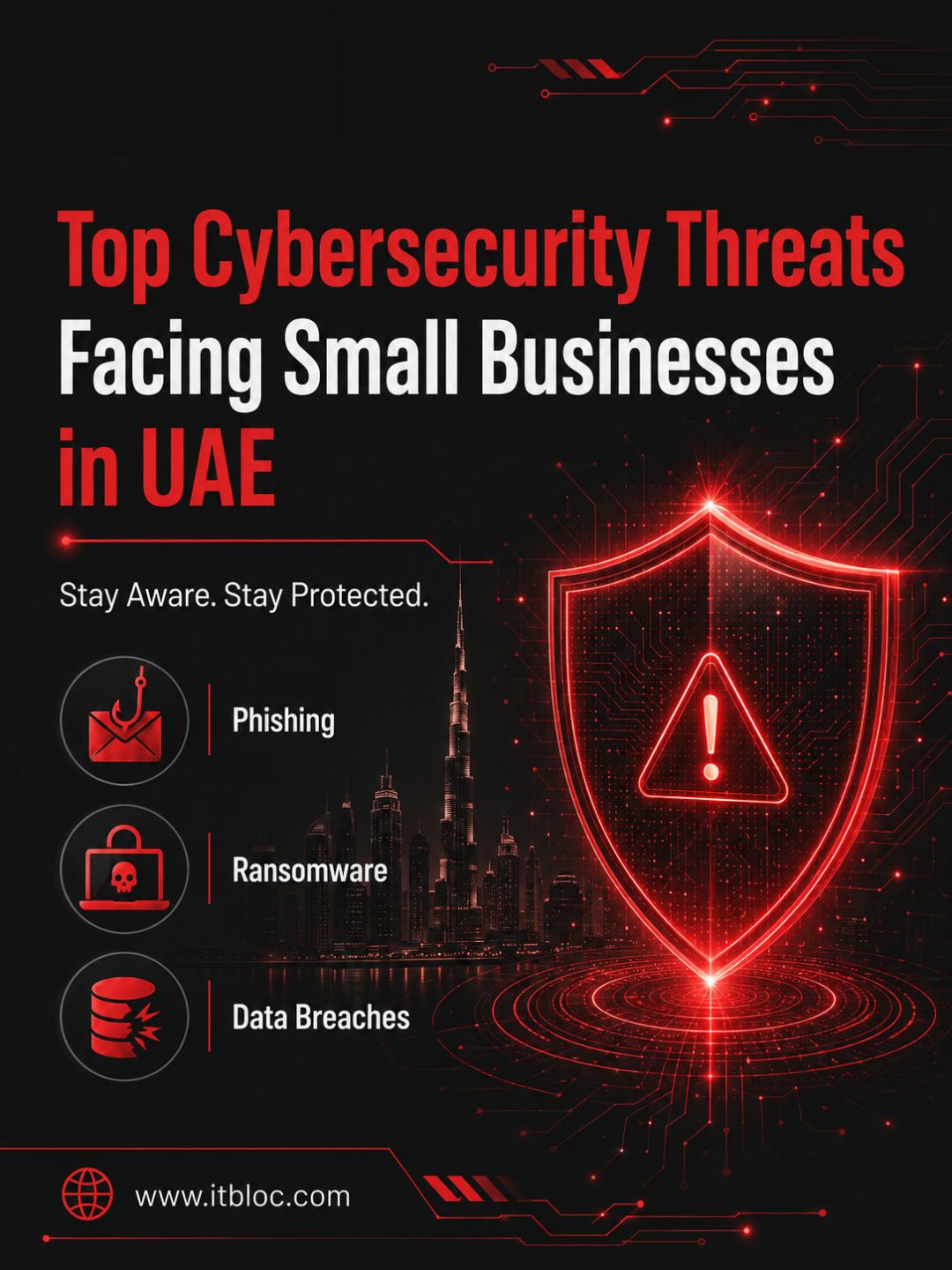
The top cybersecurity threats UAE small businesses face include phishing, ransomware, malware, data breaches, weak passwords, business email compromise, website hacking, insider threats, cloud misconfigurations, and poor backup planning. These threats are serious, but they can be managed with the right approach.
Small businesses should stop thinking of cybersecurity as something only large companies need. Every business with a website, email account, customer database, cloud tool, or online payment system has digital risk.
By taking practical steps such as enabling MFA, training employees, securing websites, using malware protection, backing up data, and reviewing access permissions, businesses can greatly improve their security posture.
A strong cybersecurity strategy protects more than technology. It protects customer trust, business reputation, daily operations, and long-term growth.